
Ops Playbook
Can I Replace Medical Imaging Equipment Parts Myself?
May 16, 2026 · 5 min · Medical Imaging Specialists
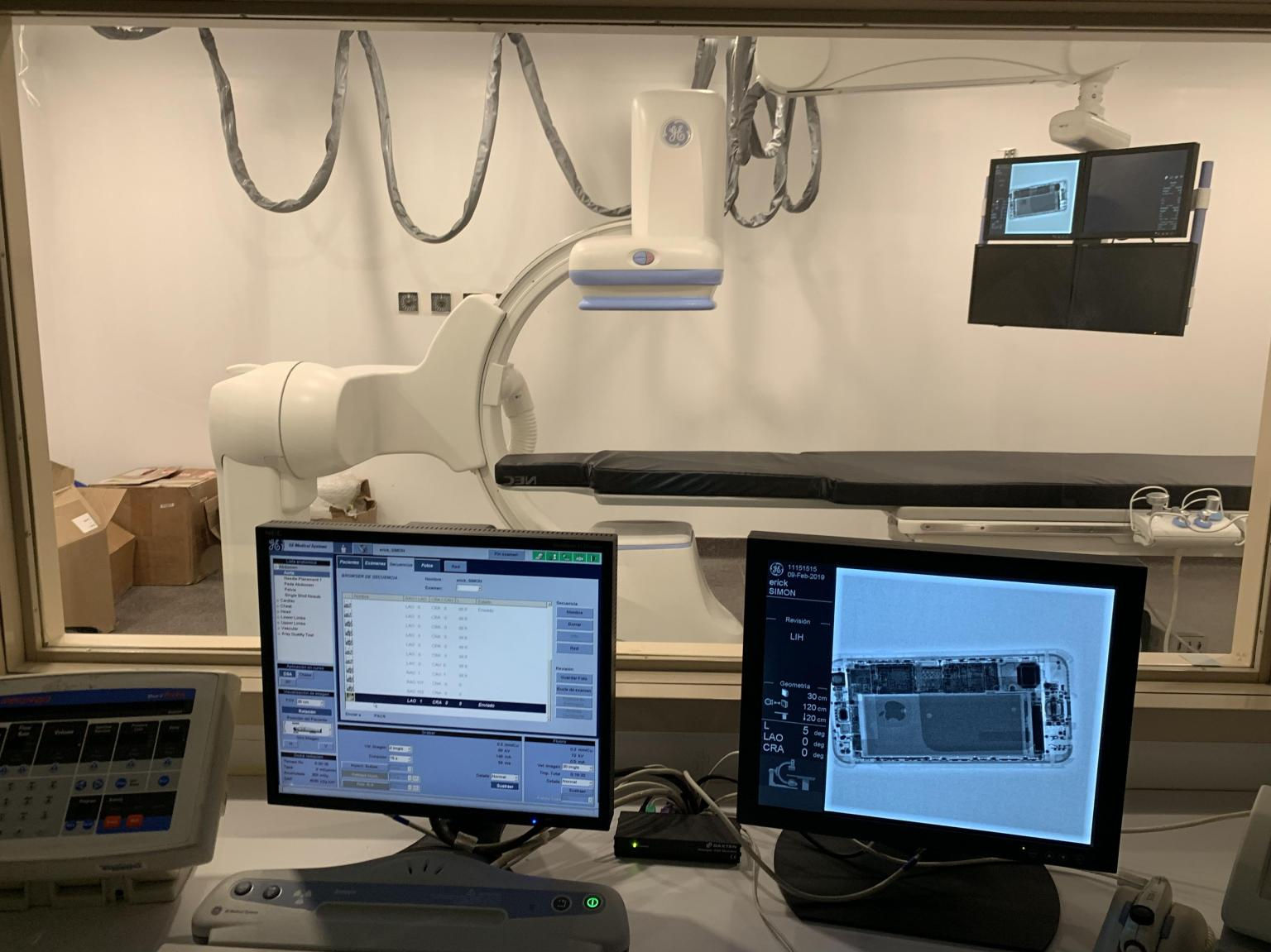
Practical considerations, risk points, and what to ask before you buy, service, move, or maintain imaging equipment.
Sometimes, but not as a blanket rule. A facility may be able to replace basic external accessories or clearly user-serviceable components if the equipment documentation allows it and trained staff can do the work safely. But CT, MRI, PET/CT, fluoroscopy, C-arm, and X-ray systems are not general electronics. If the part touches power, cooling, calibration, motion, image quality, radiation output, magnet safety, or system interlocks, involve a qualified imaging service technician before ordering or installing anything.
The practical answer: identify the part, understand the risk, and decide whether the issue belongs in the parts, service, or diagnostic lane.
Why the right answer is not always “order the part”
When a scanner is down, pressure builds fast. Patients are scheduled. Referring offices are calling. Staff want the room back online. If someone sees a failed fan, cable, detector board, coil issue, table fault, or workstation error, the tempting move is to buy a replacement and get it swapped.
That works only when the diagnosis is correct and the replacement is safe.
Medical imaging equipment is configuration-specific. A board, tube, detector, coil, generator component, table assembly, chiller part, or workstation module may look right and still be wrong for the serial number, software level, option package, or site configuration. The visible failure may also be a symptom, not the root cause. Repeated fuse failures, overheated boards, tube faults, image artifacts, or cooling alarms can point to power, airflow, environmental, calibration, or upstream component problems.
If you are still identifying the part, start with How do I know which medical imaging equipment parts I need?. If the system is fully down, use Emergency imaging equipment repair: what to do first.
Parts a facility may be able to handle internally
Some items can be reasonable for trained facility staff, biomedical teams, or modality operators when the manufacturer documentation supports it and the work does not require restricted service access, calibration, high-voltage exposure, radiation-producing adjustments, or MRI zone risk.
Examples may include:
- External cables that are clearly identified and safely accessible
- Operator accessories, cushions, straps, pads, and positioning aids
- Some keyboards, mice, monitors, or workstation peripherals
- Certain covers, handles, labels, and cosmetic parts
- Approved consumables or routine user-replaceable items listed in the operator manual
- Select coils or accessories when the issue is clearly an accessory swap, not an MRI system fault
Even then, confirm the exact manufacturer, model, serial number, software level if relevant, and visible part number before ordering. “It looks the same” is not enough. A revision change or connector difference can turn a simple swap into another day of downtime.
A useful rule: if the work requires opening guarded panels, bypassing interlocks, entering restricted MRI zones with tools, adjusting calibration, changing radiation-producing components, or touching high-voltage, power, cooling, detector, or motion assemblies, stop and escalate.
Parts that usually need qualified service support
Most critical imaging parts should be handled by a qualified service professional. That does not mean every service event is complicated. It means diagnosis, installation, testing, and documentation matter.
CT systems commonly require service involvement for X-ray tubes, generators, detector modules, gantry electronics, slip ring issues, table drives, cooling faults, power distribution, reconstruction computers, and image-quality complaints. A tube-related fault, for example, does not automatically mean the tube itself failed. Scan load, cooling behavior, generator status, calibration history, and the exact error all matter. For context, see what causes CT tube failure and our CT tube replacement cost guide.
MRI systems add magnet safety. Coils, patient table issues, chiller-related problems, RF chain faults, gradients, host computers, and image artifacts may all look like “parts problems,” but MRI work can involve controlled access zones, ferromagnetic risk, cryogen-related considerations, and system tuning. Do not move equipment or bring tools near the magnet unless the facility’s MRI safety process and qualified personnel are involved.
PET/CT combines CT-side parts with PET detector, workstation, acquisition, and reconstruction considerations. X-ray, fluoroscopy, C-arm, cath lab, and DEXA equipment involve radiation-producing systems, generators, tubes, detectors, motion control, and calibration. Those are not areas for guessing.
How to decide: parts order, service call, or diagnostic visit?
Use three questions before buying anything.
First: is the failed part certain? If the answer comes from a visible broken connector, known accessory failure, documented part label, and repeatable symptom, a parts quote may be appropriate. If the answer is “we think it is probably the board,” slow down.
Second: can the facility install it safely and correctly? Opening covers, working near power, moving heavy assemblies, entering MRI-controlled areas, replacing radiation-producing components, or touching cooling systems changes the risk profile.
Third: will the system need calibration, testing, or service verification afterward? Many imaging repairs are not complete when the physical part is installed. The system may need alignment, software recognition, error clearing, calibration, phantom testing, image-quality checks, dose or output verification, or service documentation before returning to normal operation.
When the answer is unclear, MIS can help route the issue. Some requests become a straightforward parts quote. Some should go directly to service support. Some are better handled through a planned preventive maintenance visit if the machine is still running but showing early warning signs.
What to send before asking for a recommendation
A clean intake prevents wrong recommendations. Before contacting MIS, gather:
- Modality: CT, MRI, PET/CT, X-ray, C-arm, DEXA, ultrasound, or cath lab
- Manufacturer, model, serial number, and software level if known
- Site location, room location, onsite contact, and urgency
- Exact error code, warning message, or symptom
- Photos of the equipment label, part label, connector, failed area, and wider component location
- Screenshots with any PHI removed or cropped out
- Recent service history, PM status, and parts replaced recently
- Environmental notes: power event, HVAC issue, chiller alarm, leak, construction, or network change
- Whether the system is fully down, intermittent, degraded, artifacting, or operating with a warning
For CT, include tube information, scan seconds, generator errors, cooling behavior, gantry/table symptoms, and artifacts. For MRI, include coil model, chiller status, room conditions, table behavior, artifact examples, and whether the fault changes by coil or protocol. For PET/CT, separate CT-side symptoms from PET acquisition or reconstruction problems when possible. For X-ray and C-arm systems, note generator, tube, detector, table, stand, workstation, and exposure-control symptoms.
Photos help, but they should not expose patient information. Crop screens before sending them.
Common mistakes that make parts problems worse
The biggest mistake is ordering by appearance. Imaging equipment parts often have revisions, calibration dependencies, compatibility limits, and configuration details that are not obvious from a photo.
The second mistake is ignoring the root cause. If a power supply failed because of heat, dust, airflow, voltage instability, or a downstream short, replacing the supply alone may buy a short victory.
MIS supports facilities that need both parts and service because the two are connected. A good parts source helps identify the right component. A good service partner knows when the part is only one piece of the problem.
If repairs are becoming frequent, expensive, or hard to source, compare repair against refurbishment, replacement, leasing, or mobile capacity. MIS can support CT systems, MRI systems, PET/CT systems, X-ray equipment, and mobile imaging leasing when replacement or temporary capacity becomes the smarter path.
FAQ
Can MIS tell me whether I need a part or a technician?
Often, yes. MIS can review the modality, make, model, serial number, symptoms, photos, error messages, and service history to help route the issue toward parts, service, PM, or further diagnostics. A complete intake makes the recommendation much stronger.
Can I install a CT or X-ray part myself?
For safety-critical CT, X-ray, fluoroscopy, C-arm, and cath lab components, use qualified service support. These systems involve radiation-producing equipment, high voltage, calibration, and image-quality verification.
What if I do not know the part number?
Send the equipment make, model, serial number, clear photos of labels and the component location, error messages, and a description of the symptom. MIS can often help narrow the part down, but exact compatibility may require more information than the visible part number.
When should I stop repairing and consider replacement?
If the system has repeated failures, scarce parts, high downtime, outdated clinical capability, or repair costs approaching the value of the equipment, compare repair against refurbishment, replacement, leasing, or mobile capacity. Our guide on when to replace vs. repair CT or MRI gives a practical framework.
Schema recommendation
Use Article or BlogPosting schema for the post and FAQPage schema for the FAQ section. If this content is repurposed onto parts or service landing pages, add accurate Service schema there rather than making unsupported claims inside the blog post.
Need help deciding whether you need a part, a technician, or a deeper diagnostic visit? Contact MIS through the parts, service, or quote pages with the system details, photos, error messages, site location, and urgency so the team can point you in the right direction.
Need help with this exact problem?
Send the modality, site location, timeline, and any system details. MIS will route the request by intent.
Related resources
Ops Playbook
What Site Requirements Are Needed for a CT Scanner?
CT scanner site requirements include room fit, power, cooling, shielding review, access, IT, service clearance, and project planning.
Ops Playbook
How Long Does CT Scanner Installation Take? Planning Guide
CT scanner installation timing depends on site readiness, rigging, power, cooling, shielding review, IT, service support, and project scope.
Buyer's Desk
What Is a Fair Price for Used X-Ray Equipment?
A fair used X-ray equipment price depends on scope, detector condition, site readiness, installation, service, parts, and support.