
Ops Playbook
Emergency CT Scanner Repair: What to Do When It Fails
May 20, 2026 · 7 min · Medical Imaging Specialists
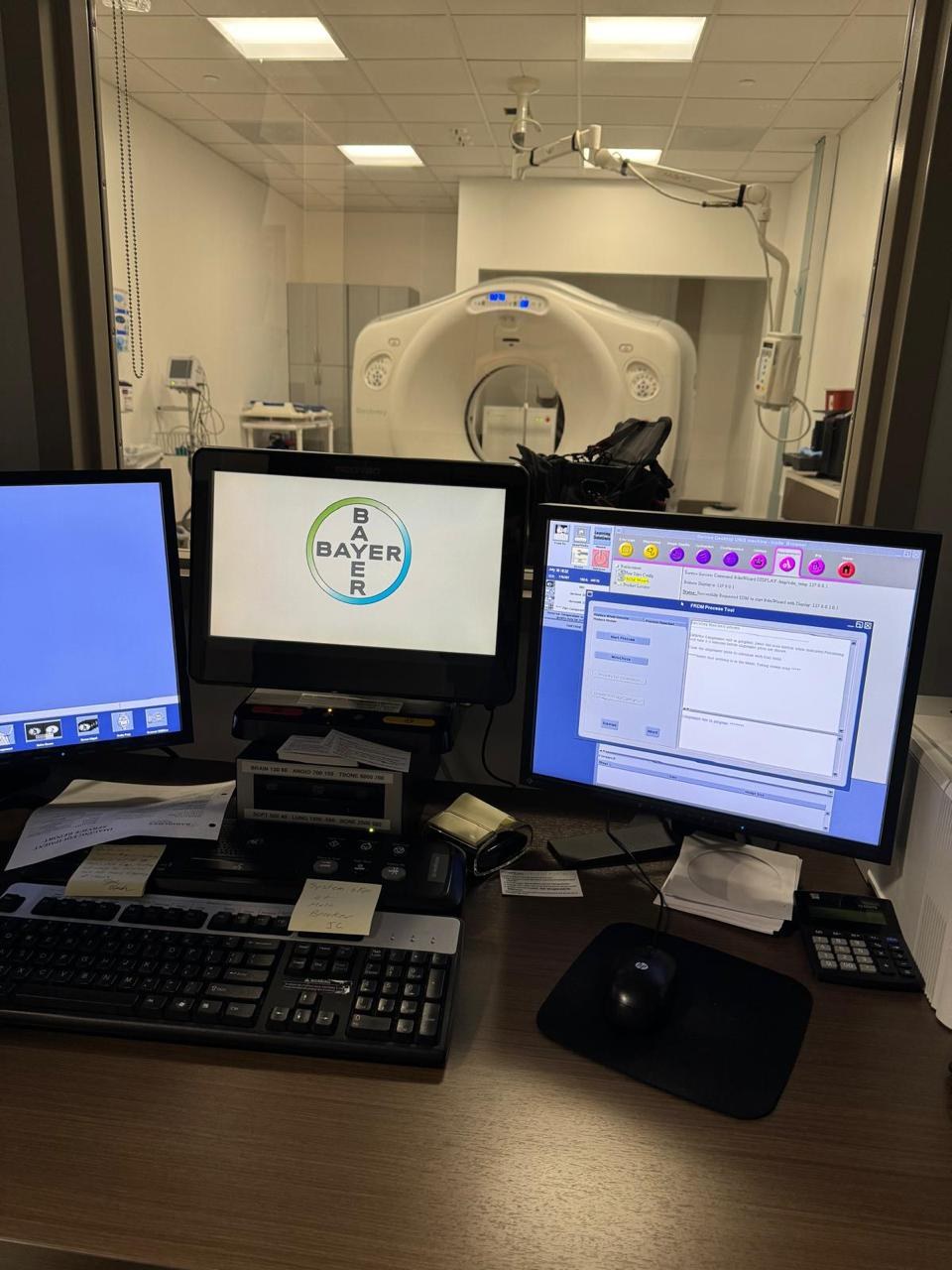
Practical considerations, risk points, and what to ask before you buy, service, move, or maintain imaging equipment.
When a CT scanner goes down, stop unsafe repeat attempts, document the exact error message, collect the manufacturer, model, serial number, recent symptoms, and service history, remove PHI from any screenshots, protect the patient schedule, and contact qualified CT scanner service support. MIS can route the request faster when the service team receives system details, photos, error codes, location, urgency, and any recent maintenance or parts history.
The goal is to keep the situation controlled, preserve evidence, and give service enough information to make a smart first move.
First priority: safety, workflow, and clean documentation
A scanner outage creates pressure immediately. Patients are waiting, referrals may need to be moved, and the operations team wants an answer fast. The first step should be controlled, not frantic.
If the system shows a safety warning, repeated fault, unusual sound, overheating sign, motion problem, questionable image quality, or radiation-related alarm, stop using the scanner and follow the facility’s escalation procedure. A single approved restart may be normal. Rebooting over and over while alarms get worse is not a repair strategy.
Before clearing the screen, document what happened. Note whether the fault appeared during startup, warmup, scanning, reconstruction, table movement, gantry movement, image transfer, shutdown, or idle time. Take photos of fault messages or image artifacts if your policy allows it. Crop or remove protected health information before sending anything outside the facility.
This first documentation pass helps separate an urgent service problem from a workflow, environmental, network, or parts issue. It also prevents wiping out the best clue before a technician sees it.
For a broader modality-neutral triage process, see MIS’s guide to emergency imaging equipment repair.
What to collect before requesting CT scanner repair
A good CT repair request starts with identification. “Our 64-slice CT is down” is not enough. CT platforms can have different tube configurations, detector packages, consoles, and part numbers under similar names.
Send this information first:
- Manufacturer, model, and serial number
- Facility name, city, state or country, and exact room location
- Best onsite technical contact and phone number
- Error code, fault text, screenshots, or photos with PHI removed
- What the operator was doing when the problem started
- Whether the scanner is fully down, intermittent, degraded, or producing image-quality issues
- Last preventive maintenance date and recent service history
- Recent parts replaced, especially tube, detector, generator, table, console, workstation, or cooling-related components
- Recent site changes: power event, HVAC issue, water leak, construction, network change, PACS change, software update, or room move
- Patient schedule impact and urgency
That list helps service decide whether to start with phone triage, parts identification, remote review, a field engineer, or a replacement-planning conversation.
MIS has a dedicated intake guide here: What to Send Before Requesting CT Scanner Repair Service. If the issue may require a replacement component, route the request through medical imaging equipment parts with clear photos of labels or part numbers only when staff can access them safely.
Common CT downtime categories to describe clearly
You do not need to diagnose the scanner before calling for help. But you should describe the failure in practical language. That gives the technician a cleaner path than “it will not scan.”
Tube or generator warnings may show up during warmup, exposure, high-load protocols, or after repeated scan attempts. A tube-related code does not automatically prove the tube failed. Service history, heat behavior, scan load, generator status, and fault sequence matter.
Detector or image-quality problems may appear as artifacts, missing data, calibration failures, ring artifacts, intermittent image issues, or degraded reconstructions. Save example images only under your facility’s privacy procedure and remove patient identifiers before sending.
Gantry or table movement problems may involve positioning, tilt, rotation, tabletop travel, interlocks, communication faults, or mechanical resistance. Do not force motion if the system is faulting.
Console, workstation, or reconstruction issues can look like a scanner failure when the acquisition side is not the root cause. Document whether the scanner acquired data, reconstructions completed, and images transferred correctly.
Cooling, HVAC, power, PACS, DICOM, or network issues can also create downtime. Room temperature, chiller performance, breaker events, generator transfers, construction dust, water leaks, and network changes can all produce symptoms that look like scanner failure. If the scanner can scan but cannot send, document the destination, recent network changes, and whether other modalities are affected.
For downtime planning, MIS also covers CT downtime cost and service response and CT tube failure causes.
What not to do while the CT scanner is down
The fastest-looking move is often the one that costs the most later.
Do not bypass safety interlocks, covers, door switches, emergency stops, radiation controls, or environmental alarms. Do not open covers, work around high voltage, attempt calibration, or perform radiation-producing repairs unless qualified and authorized.
Do not keep clearing faults without taking photos or notes. If the error is intermittent, the sequence matters. Do not order expensive parts from a remembered fault code alone; qualified service still has to confirm the failure path. Blind board swapping wastes money and can extend downtime if the real issue is power, cooling, cabling, software, or calibration.
Do not send screenshots with patient names, accession numbers, birth dates, or other PHI visible. Crop the image so the service team receives the technical clue, not patient information.
How MIS can help route the next step
MIS is strongest when the request comes in with enough detail to separate the next action. Some CT outages need field service. Some need parts identification. Some start with a phone triage conversation. Some reveal an aging platform where repair is possible but replacement planning should be discussed at the same time.
Because MIS works across equipment sales, service, refurbishment, and parts, the conversation does not have to stop at “send a technician.” If the scanner is serviceable, the focus is getting the fault diagnosed and the right component or engineer involved. If downtime is recurring, parts are becoming difficult, or repair value no longer makes sense, MIS can help compare repair, replacement, or refurbished CT options through CT scanner equipment and quote requests.
Preventive maintenance reduces emergency repair risk
Preventive maintenance will not stop every CT failure. Tubes age, electronics fail, computers crash, and site conditions change. But PM gives the facility a better chance of catching warning signs before the schedule is on fire.
Strong CT uptime habits include keeping PM records current, documenting recurring complaints, tracking cooling issues, watching tube-related trends, preserving service history, and keeping model and serial information easy to find. If recurring faults appear, build a history. The pattern may point to a subsystem, weak environment, aging workstation, failing part, or service model that reacts too late.
Start with MIS’s CT and MRI preventive maintenance checklist, then use the services page to discuss PM, service support, or a repair plan.
FAQ
How fast can a CT scanner be repaired?
It depends on the fault, parts availability, site access, service history, and whether the problem can be diagnosed remotely or requires onsite work. A clear intake usually shortens the path because the service team can route the request correctly from the start.
What information should I send for emergency CT service?
Send the manufacturer, model, serial number, facility location, error codes, screenshots or photos with PHI removed, symptoms, when the fault started, recent service history, recent site changes, and urgency.
Can MIS help identify CT scanner parts?
Yes. MIS can help with CT parts identification when the request includes accurate system details, photos of labels or part numbers where safe, service history, and the exact symptom. Do not remove covers or access unsafe areas just to photograph a part.
Should we keep trying to restart the CT scanner?
Follow your facility’s approved procedure. One controlled restart may be reasonable in some cases. Repeated restarts after safety warnings, motion faults, cooling problems, image-quality issues, or worsening errors should stop until qualified service reviews the situation.
Is CT downtime a sign we should replace the scanner?
Not always. A single repairable fault may not justify replacement. Replacement should be reviewed when downtime is recurring, parts are difficult to source, repair costs are rising, software or workstation limits affect workflow, or clinical volume has outgrown the system.
Can preventive maintenance stop all CT scanner failures?
No. PM reduces risk and improves documentation, but it cannot prevent every tube, detector, electronics, software, power, or site-condition failure. The value is fewer surprises, better records, and faster triage when a fault does happen.
Schema recommendation
Use Article or BlogPosting schema for the post and FAQPage schema for the FAQ section. Use Service schema only on accurate CT scanner repair or medical imaging service landing pages. Do not add fake review, price, availability, or guaranteed response-time markup.
CT scanner down? Send MIS the manufacturer, model, serial number, error codes, PHI-free photos or screenshots, symptoms, recent service history, location, and urgency through the contact page or service team so the repair, parts, PM, or replacement path starts with the right information.
Need help with this exact problem?
Send the modality, site location, timeline, and any system details. MIS will route the request by intent.
Related resources
Ops Playbook
What Site Requirements Are Needed for a CT Scanner?
CT scanner site requirements include room fit, power, cooling, shielding review, access, IT, service clearance, and project planning.
Ops Playbook
How Long Does CT Scanner Installation Take? Planning Guide
CT scanner installation timing depends on site readiness, rigging, power, cooling, shielding review, IT, service support, and project scope.
Ops Playbook
How Quickly Can a CT Scanner Be Repaired After Downtime?
CT repair speed depends on diagnosis, parts, access, service history, and site readiness. Learn what helps a scanner get back online faster.