
Ops Playbook
What to Send Before Requesting CT Scanner Repair Service
May 14, 2026 · 6 min · Medical Imaging Specialists
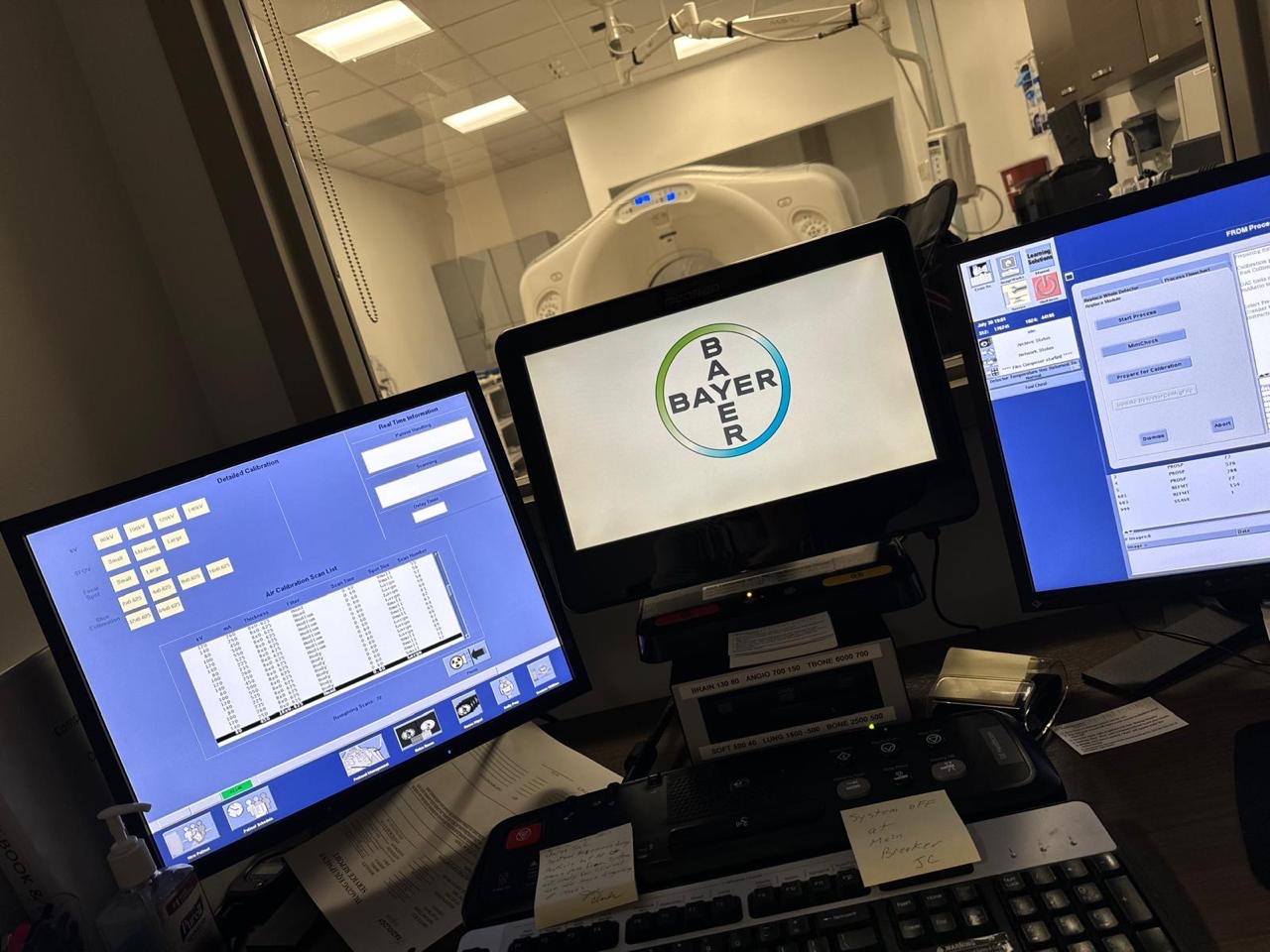
Practical considerations, risk points, and what to ask before you buy, service, move, or maintain imaging equipment.
Before requesting CT scanner repair service, send the modality, manufacturer, model, serial number, exact error codes, photos or screenshots, what the operator was doing when the fault appeared, whether the system is fully down or intermittent, recent service history, site location, urgency, and the best technical contact. That information helps a qualified service team decide whether the next step is phone triage, parts research, remote review, or field service. Do not open covers, bypass safety systems, perform high-voltage work, or attempt calibration unless qualified to do so.
The goal is not to turn your staff into CT engineers. The goal is to give service enough clean information to stop guessing.
Why a clean CT service request matters
A CT scanner failure creates pressure fast. The schedule backs up, technologists start trying workarounds, administrators want an ETA, and patients need answers. In that moment, a vague request like “our CT is down” usually adds delay because the first call becomes basic discovery.
A better request gives the service team a useful starting point: which scanner, what failed, when it failed, what changed recently, and how urgent the downtime is. That does not guarantee an instant repair. It does reduce the odds of ordering the wrong part, dispatching the wrong skill set, or losing the best clues because an error screen was cleared before anyone documented it.
If the scanner is already down and you need broader triage steps, start with MIS’s guide to emergency imaging equipment repair. If you are trying to prevent the next outage, review the CT preventive maintenance visit checklist and MIS’s medical imaging service support.
The core information to send first
Every CT service request should start with identification. The service team needs to know exactly what system they are dealing with before they can evaluate parts, service history, common failure patterns, or access requirements.
Send these basics:
- Manufacturer and model, such as GE, Siemens, Philips, Canon/Toshiba, or Neusoft
- Scanner serial number and room location
- Software level if your team can find it safely
- Facility name, city, state or country, and loading or access restrictions
- Best onsite technical contact and phone number
- Whether the scanner is fully down, degraded, intermittent, or producing image-quality issues
- How many patients or studies are affected today
The serial number matters. CT platforms can have different hardware revisions, tube configurations, console versions, detector options, and part numbers under similar marketing names. “GE 64-slice CT” is not enough to support accurate parts or service planning.
If you are also evaluating whether an older scanner is worth repairing, MIS’s guide on when to replace vs. repair CT or MRI equipment can help frame that decision after the immediate issue is stabilized.
Document the symptom before it disappears
The best service clues are often on the screen for only a few minutes. Before clearing alarms or rebooting repeatedly, capture the symptom if it is safe to do so.
Useful evidence includes:
- Clear photos of error codes, system messages, and warning screens
- What the operator was doing when the fault appeared
- Whether the fault happens during startup, warmup, scanning, reconstruction, table movement, gantry movement, image transfer, or shutdown
- Whether the problem repeats every time or appears randomly
- Any image artifacts, failed scans, incomplete reconstructions, or missing DICOM transfers
- Console, workstation, gantry, table, chiller, or room-condition messages
Error codes help route the issue, but they are not a full diagnosis by themselves. A tube-related code does not always mean the tube has failed. A table fault may be mechanical, electrical, communication-related, or tied to another subsystem. A reconstruction problem may involve software, workstation hardware, storage, network, or acquisition-side issues.
Good technicians use codes as evidence, not as a shortcut to blind parts swapping. That distinction matters when high-cost components are involved.
Include recent changes and service history
A CT scanner does not fail in a vacuum. Recent changes often explain why a problem appeared today instead of last month.
Tell the service team if any of these happened recently:
- Power outage, brownout, storm, generator transfer, or electrical work
- HVAC issue, high room temperature, water leak, dust exposure, or construction nearby
- Network, PACS, DICOM, firewall, or modality worklist change
- Software update or workstation change
- Preventive maintenance visit, repair, calibration, or part replacement
- Tube replacement, detector work, gantry service, table repair, or console replacement
- Unusual noise, vibration, smell, overheating, or repeated operator complaints before the failure
Service history is especially important on refurbished and older systems. A scanner with repeated cooling faults, an aging tube, intermittent gantry communication errors, or known table issues needs a different diagnostic path than a stable system with one new fault after a site power event.
For uptime planning, see MIS’s CT and MRI preventive maintenance checklist. If a part may be involved, include photos of labels or part numbers only when staff can access them safely, then route the request through medical imaging parts or the contact page.
What not to do while waiting for CT repair
The fastest-looking move is not always the safest or cheapest move.
Do not bypass covers, interlocks, emergency stops, warning messages, radiation controls, cooling alarms, or access restrictions. Do not perform high-voltage work, tube work, generator work, calibration, or internal troubleshooting unless your staff is qualified and authorized. Do not keep scanning patients if the system is producing questionable image quality, repeated safety warnings, unusual motion, overheating, smoke, burning smell, or persistent faults.
A controlled restart under your facility’s approved procedure may be reasonable for some minor operator-facing errors. Repeated random rebooting is different. It can clear evidence, mask intermittent faults, stress components, and make the timeline harder to reconstruct.
Also avoid ordering expensive parts from a remembered error code alone. CT parts can be specific to model, revision, serial range, software level, and configuration. A clean diagnosis can still move quickly, but guessing is how facilities lose days.
Quick CT repair intake checklist
Use this checklist before calling or submitting a repair request:
- CT manufacturer, model, serial number, and software level if known
- Site location, room number, access requirements, and hours available for service
- Exact error code or message, with photos or screenshots
- What the operator was doing when the issue started
- System status: fully down, intermittent, degraded, artifacting, or unable to send images
- Recent power, HVAC, network, software, PM, repair, or room-environment changes
- Service history and any parts replaced recently
- Photos of relevant labels or parts only if safely accessible
- Schedule impact and urgency
- Best technical contact who can answer follow-up questions
That is the difference between “send someone as soon as possible” and “here is enough information to route the problem intelligently.”
FAQ
Can MIS diagnose a CT scanner from an error code?
Sometimes an error code strongly suggests the next diagnostic path, but it should not be treated as a complete diagnosis by itself. MIS uses error codes along with symptoms, service history, model information, site conditions, and technician review to decide the right next step.
Should we restart the CT scanner before calling for service?
Follow your facility’s approved procedure. A single controlled restart may clear some minor issues, but repeated restarts can erase clues and may be unsafe if the system is showing serious faults, unusual motion, cooling alarms, image-quality problems, or repeated warnings.
What photos should we send for CT scanner repair?
Send photos of error screens, console messages, status pages, warning indicators, image artifacts, labels, and visible symptoms if they can be captured safely. Do not remove covers or access internal components unless qualified to do so.
Do we need a replacement part or a field engineer?
It depends on the evidence. Some failures can be routed toward parts quickly when the component is clearly identified. Other problems require onsite diagnostics, testing, calibration, or broader troubleshooting before parts should be ordered.
Schema recommendation
Use Article or BlogPosting schema for the post and FAQPage schema for the FAQ section. Service schema should live on accurate CT service or medical imaging service pages, not be forced into a blog post unless the page scope is clearly defined.
Need CT scanner repair support?
If your CT scanner is down, contact MIS with the model, serial number, error codes, symptoms, photos, service history, location, urgency, and best technical contact. Start with medical imaging service, parts support, or the contact page so the team can help route the issue toward repair, parts, or the right next service step.
Need help with this exact problem?
Send the modality, site location, timeline, and any system details. MIS will route the request by intent.
Related resources
Ops Playbook
What Site Requirements Are Needed for a CT Scanner?
CT scanner site requirements include room fit, power, cooling, shielding review, access, IT, service clearance, and project planning.
Ops Playbook
How Long Does CT Scanner Installation Take? Planning Guide
CT scanner installation timing depends on site readiness, rigging, power, cooling, shielding review, IT, service support, and project scope.
Ops Playbook
How Quickly Can a CT Scanner Be Repaired After Downtime?
CT repair speed depends on diagnosis, parts, access, service history, and site readiness. Learn what helps a scanner get back online faster.